
Give Biller Montana Portal Access
By George Ruan • July 14, 2026
Last verified: July 14, 2026.
This guide answers one operational question: How to Give Your Biller Access to Montana Medicaid’s Provider Services Portal.
Explain why separate access matters, which tasks a biller may need, how to find current user-management instructions, how to test permissions, and how to offboard a former biller.
Google question answered: The practice owner or authorized administrator should retain control and provision separate access using the current portal’s supported user/delegate roles; never share the primary login.
Montana Medicaid portal names and claims-system responsibilities are changing. Verify live Montana DPHHS and Montana Medicaid Provider Information sources before using this guide for a live enrollment, claim, authorization, or provider-file decision.
Sections
Why This Matters
The practice hired a biller and is about to share the owner’s login because it cannot find the right user/delegate process.
Delegated-access and security guide analogous to Bomi’s PAVE biller-access article.
What to Know First
The practice owner or authorized administrator should retain control and provision separate access using the current portal’s supported user/delegate roles; never share the primary login.
What to Verify Before You Act
Current Provider Services Portal access is through ICAP, so user setup may involve both an ICAP identity and provider-organization permissions; verify the live workflow.
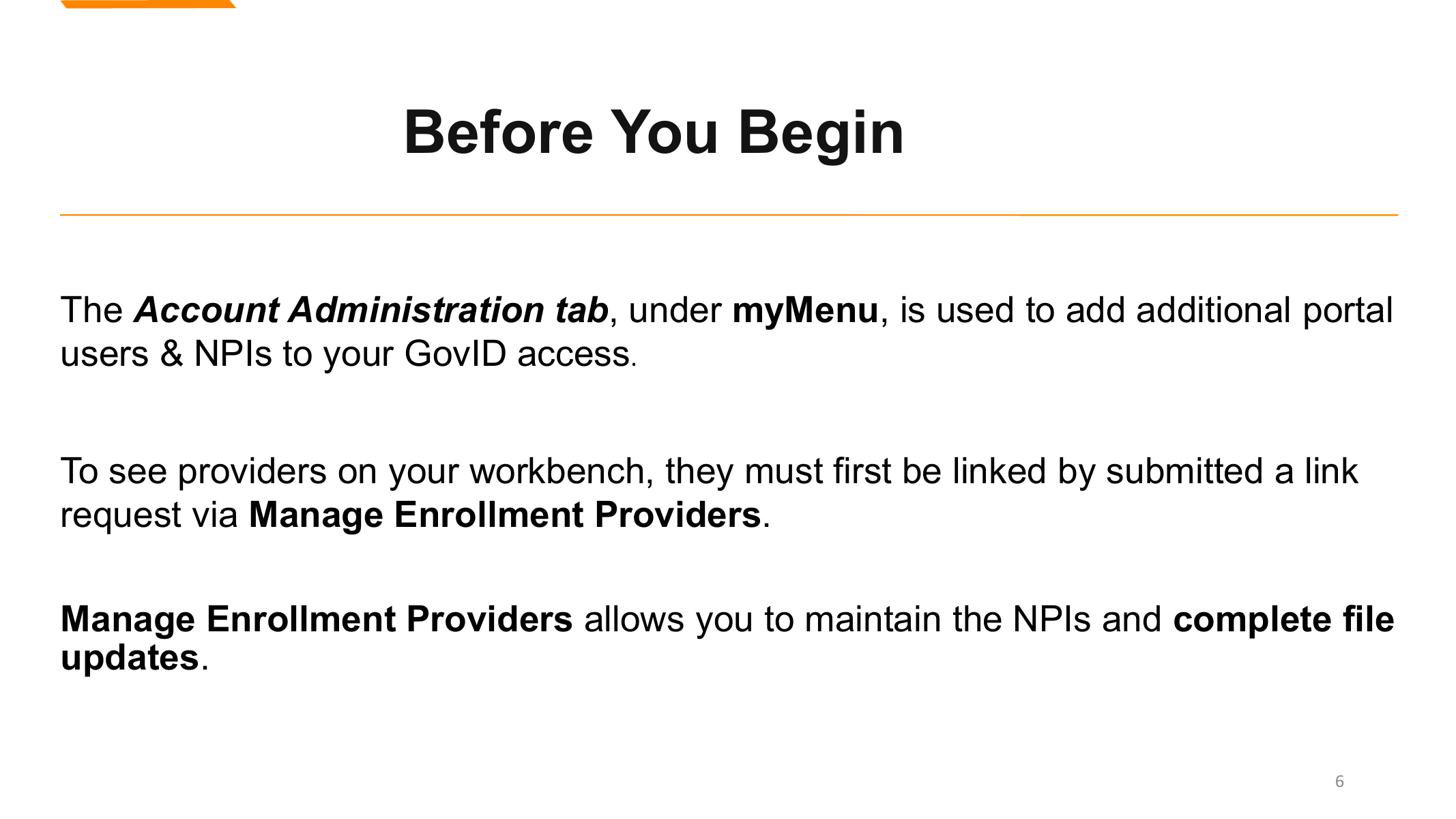
Screenshot source: Montana June 2026 Monthly Enrollment Training.
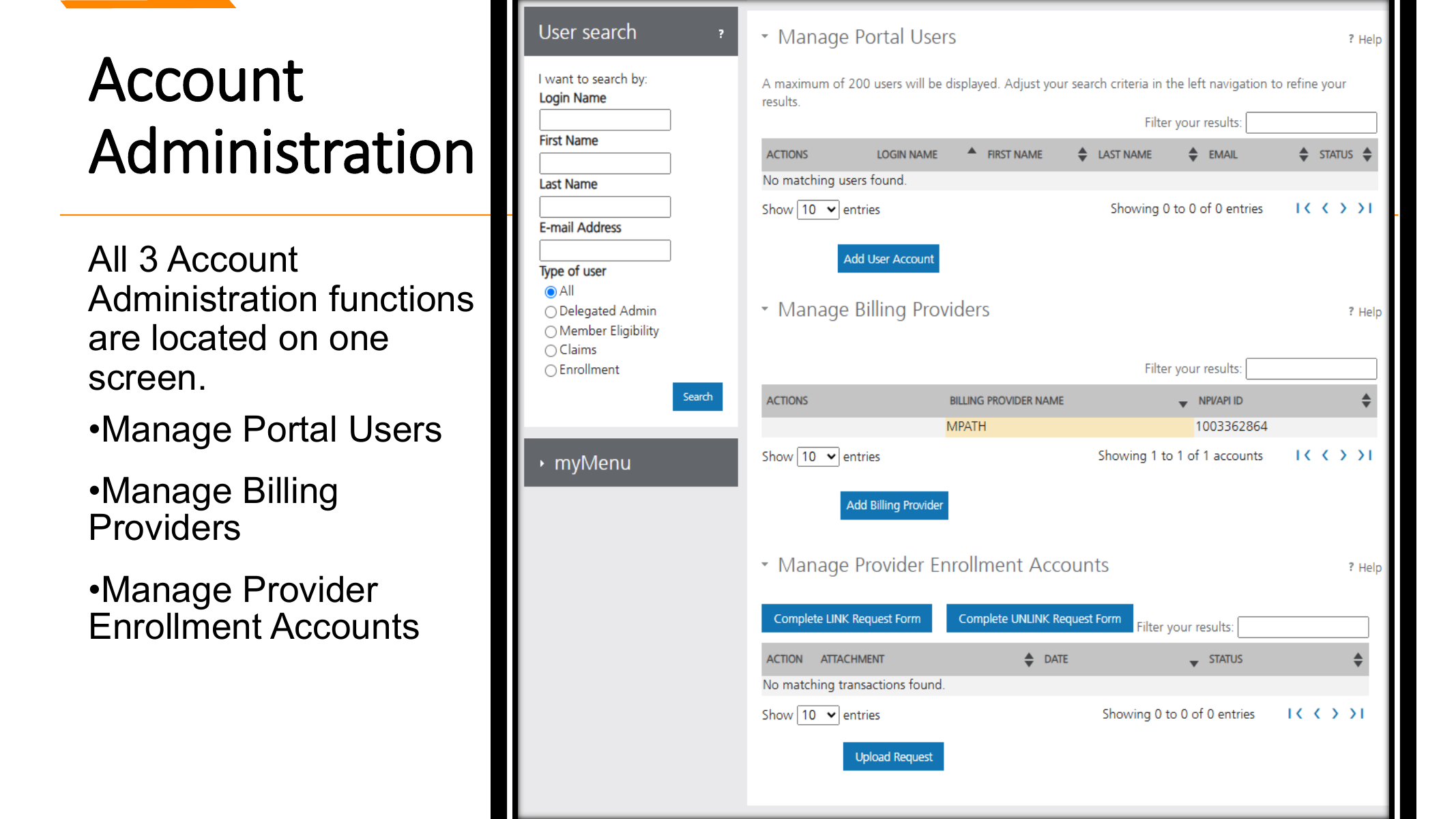
Screenshot source: Montana June 2026 Monthly Enrollment Training.
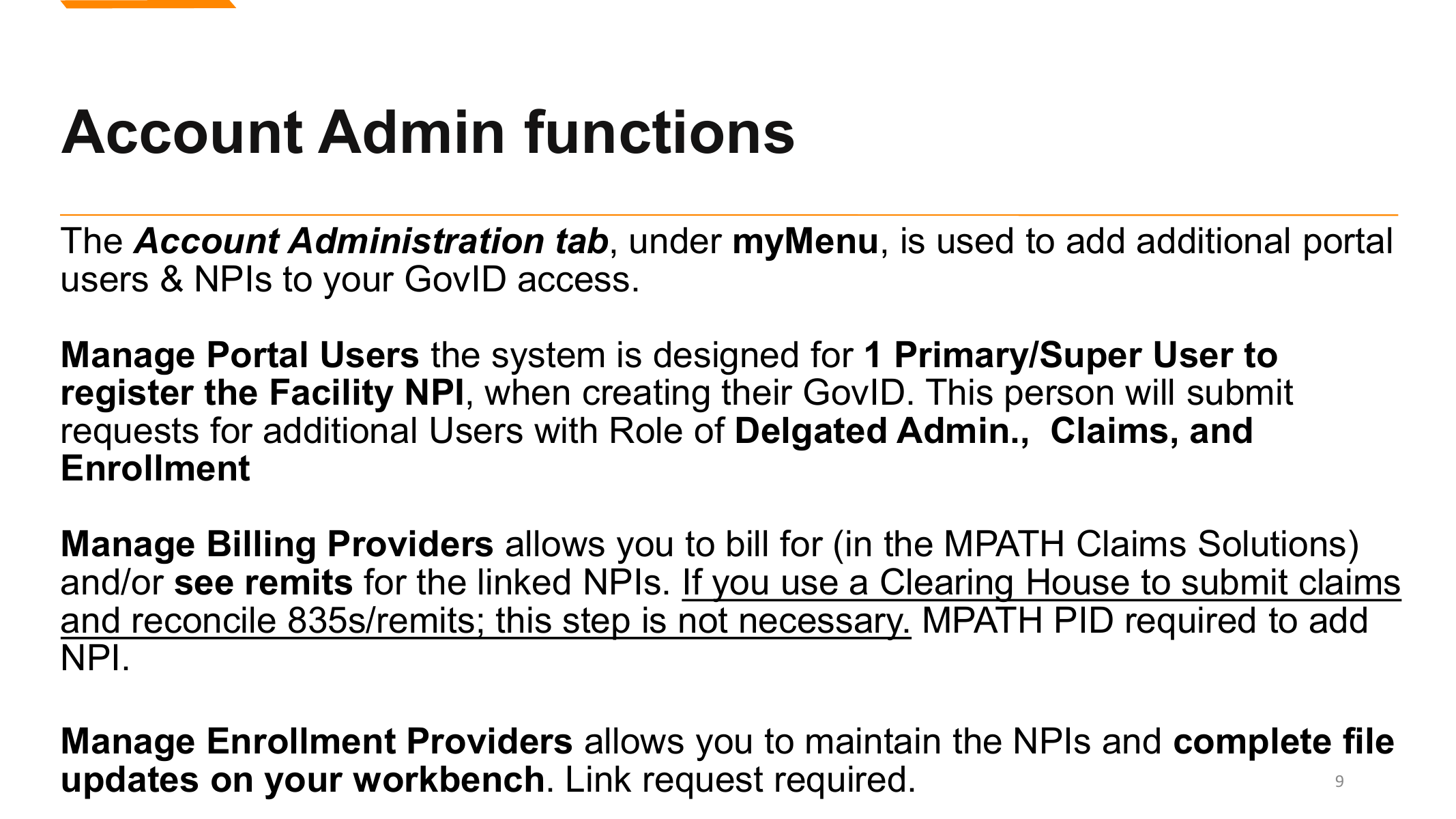
Screenshot source: Montana June 2026 Monthly Enrollment Training.
Practical Workflow
TL;DR: add the biller as a separate authorized user—do not share the owner login.
Common Mistakes to Avoid
Treating old MPATH, MATH, ICAP, Passport, PCMT, or MTHCS references as interchangeable without checking the current Montana source.
Assuming a portal login, provider enrollment, provider linking, claim route, or future affiliation is complete just because one related task was approved.
Sharing owner credentials with a biller or staff member instead of using supported user access and offboarding controls.
Skipping eligibility, authorization, provider-record, and remittance checks before treating the workflow as payer-ready.
Where Bomi Fits
Once Bomi has secure, role-appropriate portal access, it can manage status checks, eligibility, remittance, claims, and enrollment maintenance without pulling the owner into every task.
For practice owners, the practical goal is simple: the provider record, portal users, eligibility workflow, authorization process, claim route, and remittance workflow should all match the way the practice actually operates.
Source note: this post was drafted from Bomi's Montana Medicaid brief package and rechecked against official source URLs that were reachable on July 14, 2026.
Sources
Need help getting payer-ready?
Bomi helps with CAQH, payer applications, credentialing packets, attestations, effective dates, roster updates, and credential management.
Get credentialing help