
Create Your Optum Provider Express Account
By George Ruan • August 16, 2026
Last updated: August 16, 2026.
After Optum approves your credentialing file, your Notice of Credentialing tells you to self-register on Provider Express, create or use a One Healthcare ID, and review your profile for accuracy. That account is the front door for the provider tools you will use after credentialing, including eligibility, authorizations, claims, Optum Pay, secure messages, and practice-profile updates.
Use the secure URL: go directly to https://www.providerexpress.com. A bare providerexpress.com or older http:// link may fail with a 403 Forbidden page before you ever reach registration.
Optum says to wait 5 business days from the credentialing notice date before trying to register. That wait matters. Your approval can exist on paper before the portal has enough back-end data to match your NPI and profile to a new user account.
Sections
- TL;DR
- Before You Start
- Step 1: Open Provider Express the Right Way
- Step 2: Create or Use Your One Healthcare ID
- Step 3: Confirm You Reached the Secure Portal
- Public Manuals and Resources to Bookmark
- Step 4: Review Your Provider Profile
- Step 5: Submit Corrections Quickly
- If Registration Does Not Work
- Your Final Checklist
TL;DR
Start at the secure Provider Express home page. Open providerexpress.com, select United States, then use First-time User registration.
One Healthcare ID is the shared Optum sign-on. If you already use a One Healthcare ID for another Optum or UnitedHealthcare portal, do not casually create a duplicate. Use the identity Optum expects for Provider Express access.
Wait 5 business days after the approval notice. If registration cannot find you right away, the profile may not be loaded yet.
Review your profile within 10 business days. Check names, NPIs, practice locations, tax IDs, networks, directory details, and contact information while corrections are still fresh.
Keep support numbers handy. Call Optum Provider Services at 1-877-614-0484 for provider-profile or network questions. Call One Healthcare ID support at 1-855-819-5909 for account and sign-in issues.
Before You Start
Have the credentialing notice, your individual NPI, your practice or group NPI if applicable, your tax ID, your legal name as credentialed, your practice address, and your preferred administrator email available. If your practice has multiple clinicians, decide who should be the account administrator before the first registration attempt.
The safest timing is simple: count 5 business days from the notice date, then register. If the notice arrived on a Friday, do not count the weekend. If a federal holiday falls in the middle, give the portal the extra day.
Do not troubleshoot the wrong problem. A 403 page from an http:// link is a website-access problem, not proof that Optum rejected your registration. Restart from the secure Provider Express landing page before calling support.
Step 1: Open Provider Express the Right Way
Open https://www.providerexpress.com directly in your browser.
Choose United States on the region-selection screen. Provider Express recommends bookmarking your regional page after you select it.
On the United States Provider Express site, choose First-time User. If you only see a Log In option, open the login flow and look for the first-time-user registration choice there.
Follow the prompts to create or connect your One Healthcare ID.
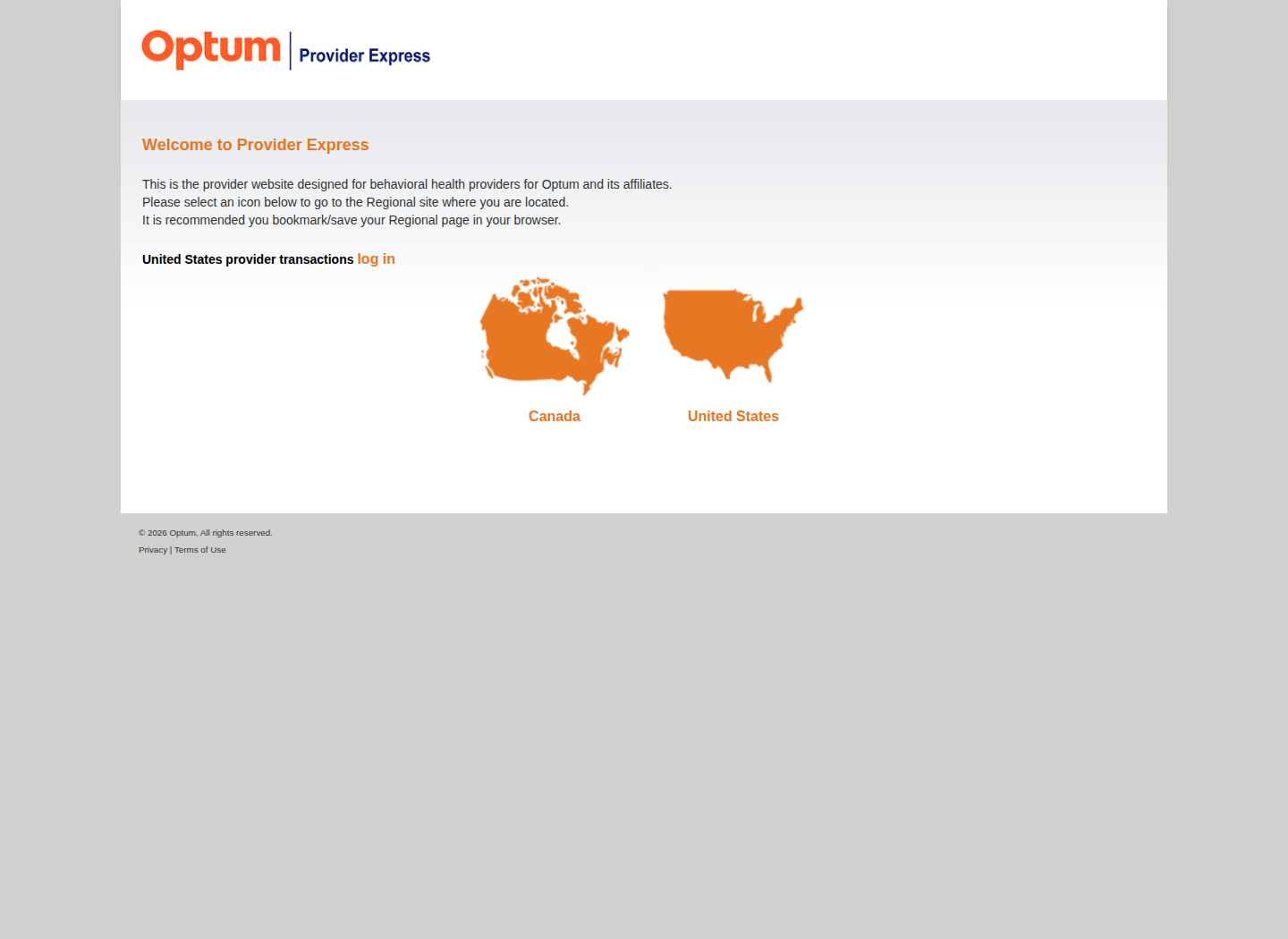
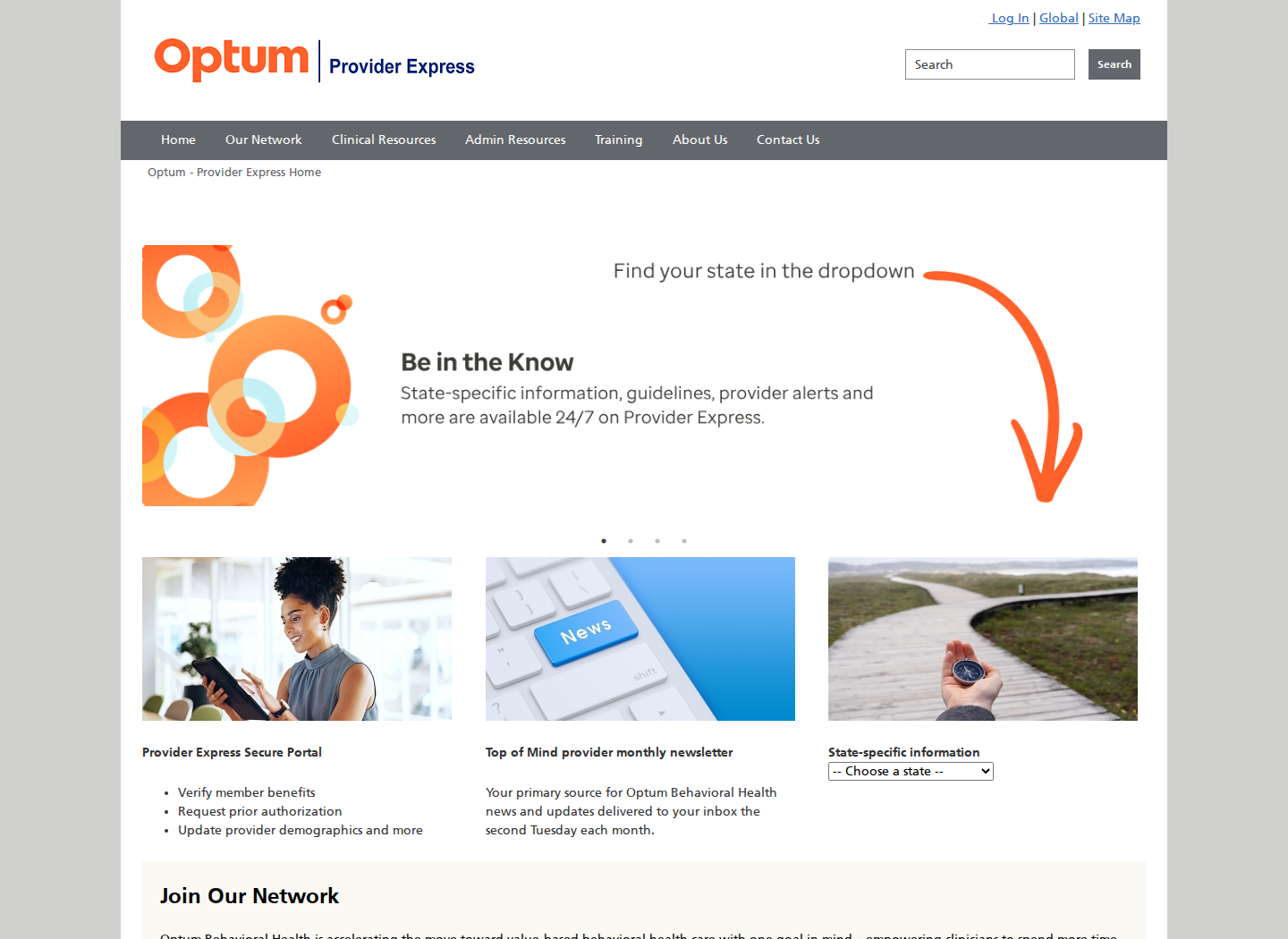
The public US Provider Express home page is here: Provider Express US site. If your bookmark points somewhere else and fails, use the secure home page again and reselect United States.
Step 2: Create or Use Your One Healthcare ID
One Healthcare ID is the identity layer. Provider Express is the portal you are trying to enter. The One Healthcare ID is the username and password system Optum uses to identify you across Optum and UnitedHealthcare tools.
During registration, expect to:
Enter your name, email address, and account-recovery information.
Verify your identity and set up the security factors the registration flow requires.
Connect the account to your provider or practice profile using the information Optum has on file.
Sign in to Provider Express and confirm you can see the secure portal tools.
Use a real named user. Do not build your practice around a shared login. Named accounts make support, security, staff turnover, and audit trails much cleaner.
Step 3: Confirm You Reached the Secure Portal
Once registration works, the secure portal should give you access to the day-to-day Optum tools that matter after credentialing. Depending on your profile and permissions, Provider Express describes access to benefits and eligibility, authorization requests and verification, claim entry, claim inquiry and adjustment requests, Optum Pay, secure messages, practice-information updates, training, forms, and network resources.
Claims: Provider Express supports claim entry and claim adjustment or inquiry workflows. See Provider Express claim entry.
Payments: Optum Pay is available from Provider Express after login. See Optum Pay guidance.
Training: Provider Express training includes new-user and secure-portal resources. See Provider Express training.
Newly credentialed orientation: The Navigating Optum webinar introduces commercial and Medicare network resources for newly credentialed providers. See Provider Express webinars.
Public Manuals and Resources to Bookmark
Provider Express also publishes public manuals, training, and clinical resources. These are useful references after you get portal access, but they are not a substitute for reviewing your live provider profile, effective dates, network participation, and practice information inside the secure portal.
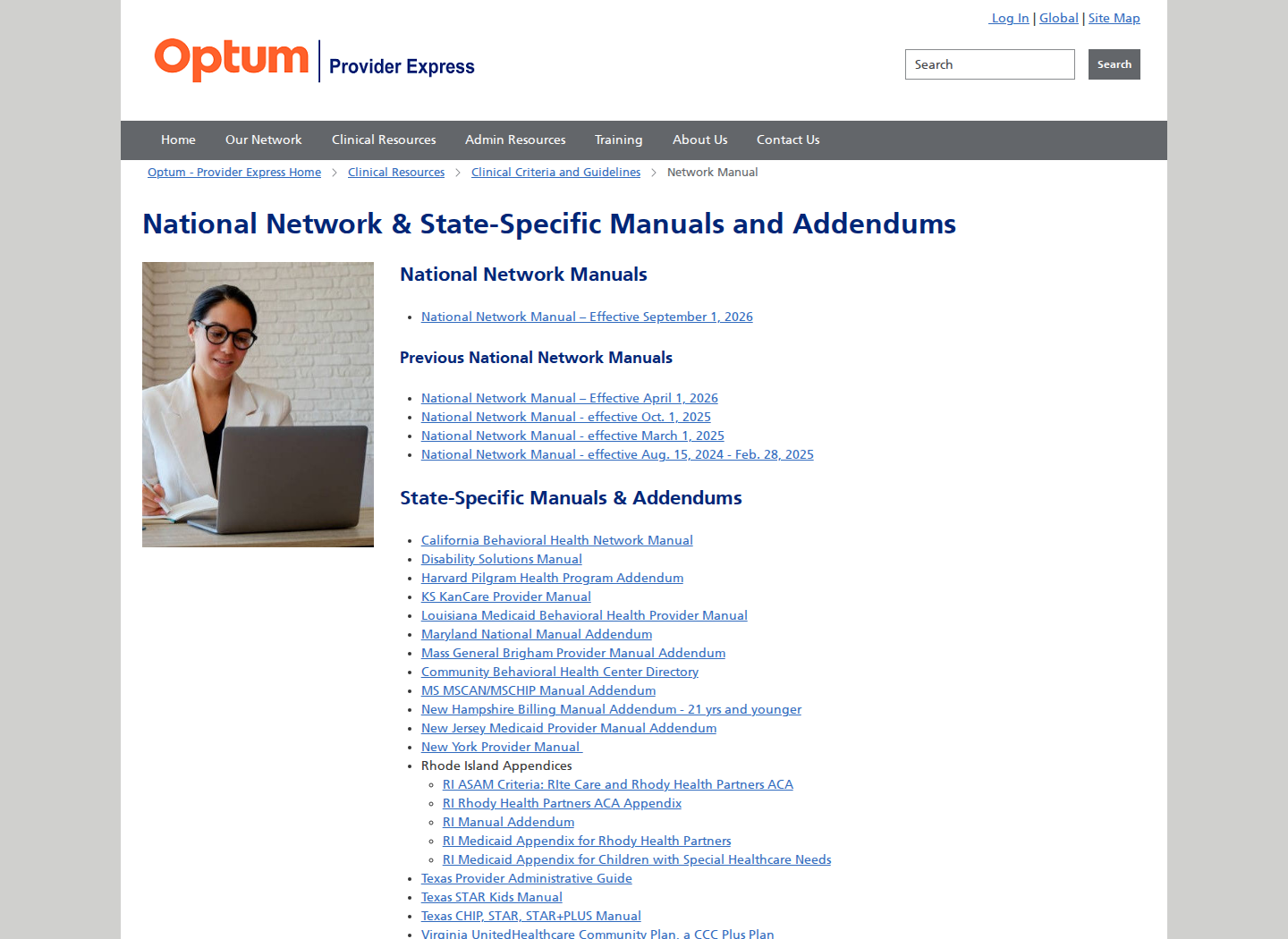
Network manuals and addendums: Provider Express manuals page lists the national manual plus state-specific manuals and addendums.
National Network Manual PDF: open the current national manual when you need a broad administrative reference for Optum network expectations.
Clinical resources: Provider Express clinical resources collects guideline, policy, and clinical reference pages.
Training and webinars: Provider Express training and Provider Express webinars include secure-portal help and the Navigating Optum orientation for newly credentialed providers.
Keep screenshots clean. Public-page screenshots are fine for a walkthrough. Do not publish screenshots of your logged-in profile, tax IDs, addresses, rosters, or secure-message content.
Step 4: Review Your Provider Profile
Optum tells newly credentialed providers to review their Provider Express profile for accuracy and submit corrections within 10 business days. Do this before you assume the credentialing work is finished. A credentialed but inaccurate profile can still create directory, eligibility, authorization, and claim-routing problems.
In Provider Express, open My Practice Info. Optum describes this area as the place to update practice information, including address changes and roster information. See Optum guidance on updating practice information.
Check at least these fields:
Your legal name and credentials. Confirm they match your license, CAQH, NPI, and credentialing notice.
Individual NPI and group NPI. Make sure the right identifier is attached to the right provider or practice record.
TIN and practice affiliations. Confirm only the intended tax IDs and groups appear active. If an old group is still listed, review the separate Optum TIN cleanup workflow before trying to add a new practice.
Practice locations and telehealth details. Directory and claim-routing issues often start with stale addresses or location records.
Network status and effective dates. Check that the networks you expected from the credentialing notice are visible and active.
Contact information. Review phone, fax, mailing address, and secure-message routing so Optum can reach the right person.
Step 5: Submit Corrections Quickly
If something is wrong, submit the correction through the portal path Optum gives you, then save the confirmation number or screenshot. For profile questions, use Provider Express support or the Provider Message Center when available. Provider Express describes the Provider Message Center as a secure inquiry channel for registered users. See Optum contact options.
If the correction affects a tax ID, group affiliation, address, or network effective date, write down exactly what is wrong and what the correct value should be before you contact support. That keeps the call focused and gives you a clean record if the change needs follow-up.
If Registration Does Not Work
403 Forbidden: close the tab and reopen the secure URL directly: https://www.providerexpress.com. Then select United States again.
Profile cannot be matched: confirm that 5 business days have passed since the credentialing notice date, then retry with the exact name, NPI, and tax ID from your credentialing file.
One Healthcare ID problem: call One Healthcare ID support at 1-855-819-5909 for account, password, or identity-verification issues.
Provider profile or network problem: call Optum Provider Services at 1-877-614-0484 or use the Provider Express Contact Us page.
Your Final Checklist
Wait 5 business days after the credentialing notice date.
Open https://www.providerexpress.com using https, select United States, then First-time User.
Create or reuse the correct One Healthcare ID.
Confirm you can reach the secure Provider Express portal.
Review My Practice Info, network status, affiliations, locations, and contact information.
Submit profile corrections within 10 business days and save confirmations.
Use Optum Provider Services for provider-profile issues and One Healthcare ID support for login issues.
The registration itself is usually straightforward once the profile has loaded. The operational risk is assuming credentialing approval means every portal, directory, network, and payment detail is already perfect. Register, review the profile while the notice is fresh, and correct errors before the first eligibility check or claim depends on them.
If you would rather have someone watch the credentialing handoff, check portal access, and catch payer-profile issues before they turn into denials, Bomi handles credentialing and billing setup for therapy practices.
Need help getting payer-ready?
Bomi helps with CAQH, payer applications, credentialing packets, attestations, effective dates, roster updates, and credential management.
Get credentialing help